
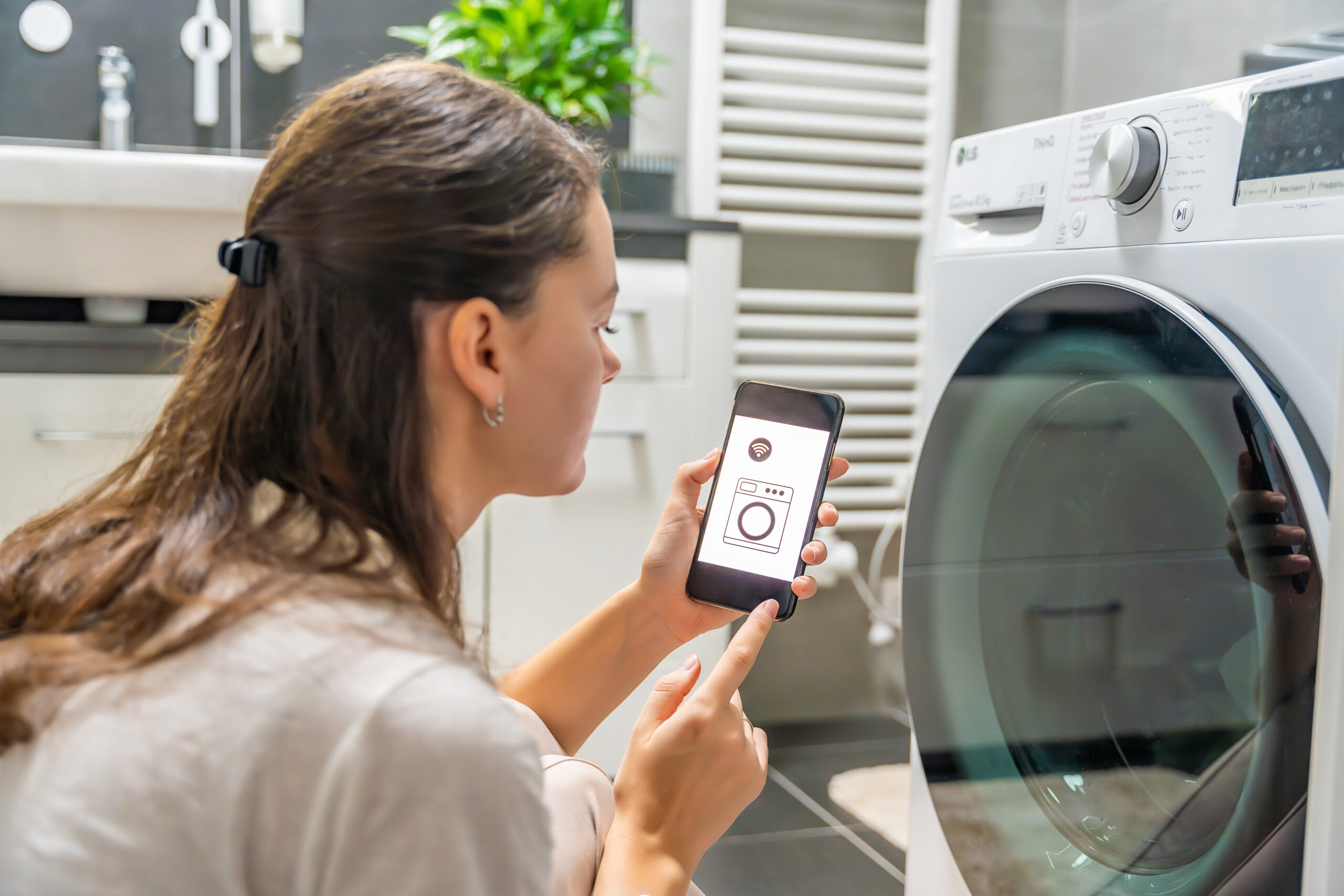
Smart appliances are becoming increasingly common in Des Moines area homes, offering convenience and efficiency through connected features. However, they require different maintenance approaches than traditional appliances. After servicing thousands of smart appliances throughout the Des Moines metro, we’ve learned that proper digital maintenance is just as important as mechanical upkeep.
When to Update Your Smart Appliances
Firmware Update Timing: Smart refrigerators, ovens, and other connected appliances receive periodic firmware updates that improve performance, add features, and fix security vulnerabilities. Most manufacturers recommend checking for updates monthly.
Signs Your Appliance Needs an Update:
- Sluggish app response or connectivity issues
- New error messages or unusual behavior
- Missing features that were recently announced
- Security notifications from the manufacturer
- Performance degradation over time
Update Best Practices:
- Enable automatic updates when available
- Update during off-peak hours to avoid interruptions
- Ensure stable internet connection before starting
- Don’t interrupt the update process once started
- Keep a record of current firmware versions
Wi-Fi Troubleshooting for Smart Appliances
Common Connectivity Issues: Smart appliances often lose connection due to router placement, network congestion, or interference from other devices. In our experience servicing Des Moines area homes, we see these problems frequently.
Quick Wi-Fi Fixes:
- Restart your router and appliance: Unplug both for 30 seconds, then restart router first
- Check signal strength: Move closer to router or add a Wi-Fi extender
- Verify network credentials: Re-enter Wi-Fi password if connection fails
- Update router firmware: Outdated routers struggle with smart appliances
- Switch to 2.4GHz network: Many appliances work better on 2.4GHz than 5GHz
Network Optimization:
- Place router centrally in your home
- Avoid interference from microwaves and baby monitors
- Use quality of service (QoS) settings to prioritize appliance traffic
- Consider a dedicated IoT network for smart home devices
Security Tips for Connected Appliances
Essential Security Measures: Smart appliances can be vulnerable to cyber attacks if not properly secured. These devices often have weaker security than computers or phones.
Protect Your Smart Appliances:
- Change default passwords immediately on all connected devices
- Use strong, unique passwords for each appliance’s app
- Enable two-factor authentication when available
- Keep firmware updated to patch security vulnerabilities
- Review app permissions regularly and disable unnecessary features
Network Security:
- Set up a separate guest network for smart appliances
- Use WPA3 encryption on your wireless network
- Regularly review connected devices in your router settings
- Monitor for unusual network activity
Maintenance Beyond Updates
Regular Digital Maintenance:
- Clear app cache and data monthly
- Review and delete unnecessary usage data
- Check for and remove old user accounts
- Verify backup settings for important configurations
- Test remote access features periodically
Physical Maintenance Still Matters: Smart features don’t eliminate the need for traditional maintenance. Clean sensors, replace filters, and follow manufacturer maintenance schedules as outlined in our previous appliance maintenance posts.
Troubleshooting Common Smart Features
App Connectivity Issues:
- Force close and restart the appliance app
- Check for app updates in your device’s app store
- Verify your phone’s internet connection
- Log out and back into the appliance account
- Contact manufacturer support for persistent issues
Voice Control Problems:
- Ensure smart speakers are connected to the same network
- Re-link appliance accounts in voice assistant apps
- Check microphone permissions and privacy settings
- Update voice assistant software
When to Call Professional Service
Smart Appliance Service Indicators: While you can handle most connectivity issues, call Westside Appliance Repair when:
- Hardware components affect smart features
- Updates fail repeatedly or cause system errors
- Physical damage affects sensors or displays
- Warranty issues arise with smart functionality
Our technicians service approximately 100-120 homes daily and are trained on both traditional and smart appliance technologies.
The Bottom Line
Smart appliances offer great convenience but require ongoing digital maintenance alongside traditional mechanical care. Regular firmware updates, proper network security, and basic troubleshooting skills keep your connected appliances running smoothly.
Remember that smart features are only as reliable as your home network. Investing in quality Wi-Fi equipment and following security best practices protects both your appliances and your personal data.
Need help with smart appliance issues? Contact Westside Appliance Repair at 515-276-8899. As Iowa’s only Whirlpool factory certified care center serving Des Moines, Ankeny, and Indianola for over 80 years, we service both traditional and smart appliances with expertise you can trust.
Stay Connected: Keep your smart appliances updated and secure.

Comments are closed